Working with images
Three ways to get the right image on every page — bring your own, use free commercial stock photos from Pixabay, or generate one with Google Gemini on the fly. Plus: how to lock in a consistent visual style so every AI-generated image looks like it belongs together.
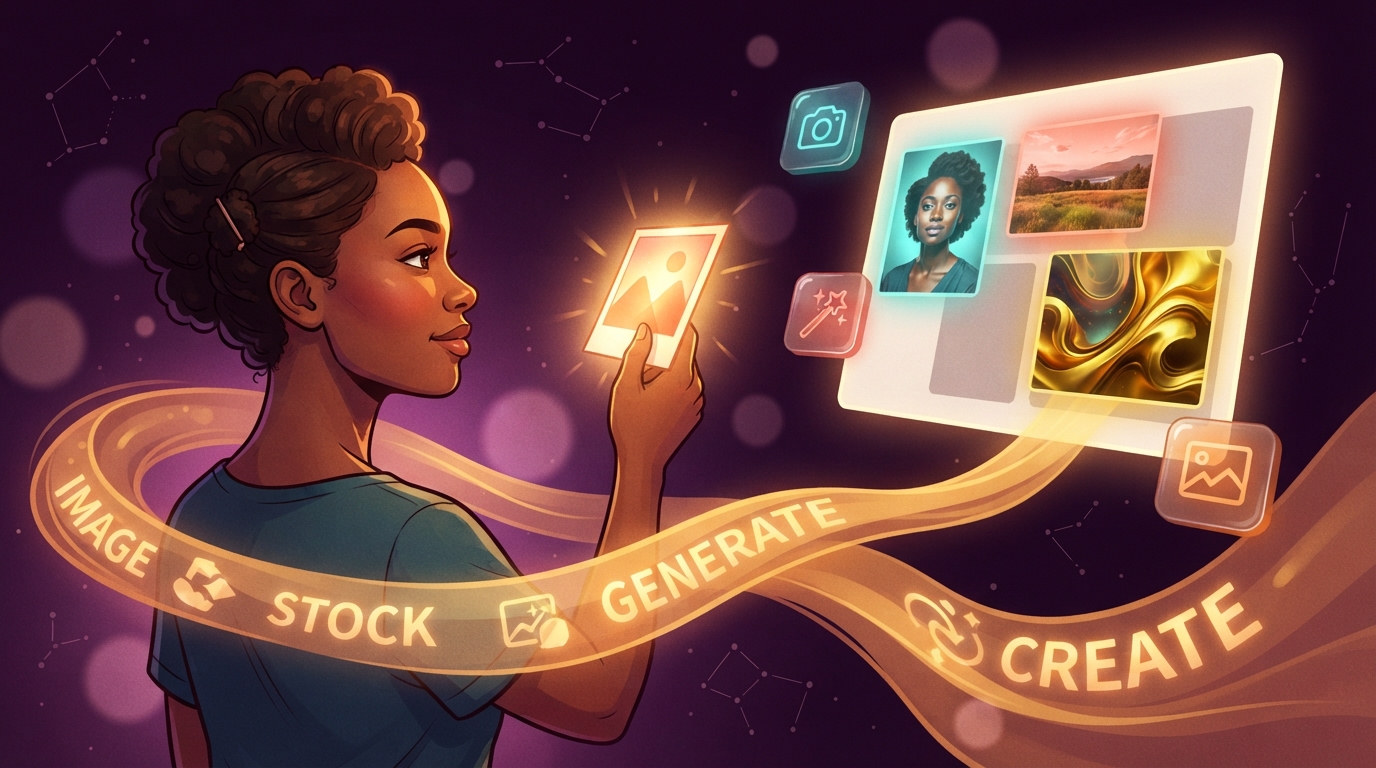
Images do more heavy lifting on a website than almost anything else. A great hero photo sets the mood before a single word is read. A product shot builds trust. A consistent visual style signals professionalism across every page. Getting images right is one of the most tangible things you can do to elevate a site — and Ullbek gives you three distinct ways to do it.
Your own images
Logos, brand photos, product shots — anything you already have. Upload once, use everywhere.
Best forLogos · Brand assets · Team photos · Product shots
Stock photography
Free, commercially licensed photos curated from Pixabay — landscapes, people, food, objects, and more.
Best forHero photos · Section backgrounds · Lifestyle imagery
AI generation
Original images created on demand using Google Gemini — illustrations, editorial art, abstract scenes.
Best forBlog heroes · Unique illustrations · Branded visuals
Your own images
If you have a logo, a brand photo, a product image, or any file that's uniquely yours — upload it and it becomes part of your site permanently. Your own images are always the best choice when they're available: nothing else can replicate an actual photo of your team, your space, or your product.
There are three ways to bring your own images in. For a full walkthrough of each method, see Working with assets. Here's the quick summary:
Ullbek uses the filename as a search signal. studio-hero-photo.jpg is much more findable later than IMG_4821.jpg.
Stock photography
Sometimes you don't have the right photo yet — or you want a lifestyle image, an atmospheric background, or a supporting visual that doesn't need to be uniquely yours. That's where stock photography comes in.
Ullbek is connected to Pixabay, a library of over 4 million photos, illustrations, and videos. Every image is free to use commercially — no attribution required, no license fees, no fine print. When you ask for a stock image, a curator reviews the candidates and picks the best match for your brief, then delivers it cropped and ready for the slot you're filling.
How to ask for stock images
Just describe what you want in plain language. You don't need to know Pixabay exists — Ullbek handles the search behind the scenes. The more specific your description, the better the result.
When Ullbek searches for stock images, it asks for images cropped to the exact aspect ratio of the slot being filled — a 16:9 hero, a 1:1 square tile, a 3:2 card photo — so the image drops into place without awkward cropping or blank space.
When stock photos are the right choice
- Hero sections where you want beautiful photography but don't have your own
- Blog posts, articles, or news sections needing visual support
- Backgrounds for callout sections or pricing blocks
- Illustrative images where the subject is generic (a laptop, a handshake, a city street)
- Placeholder images while you wait for your own photography
Stock photos work brilliantly for atmosphere. They don't work for "our team," "our product," or "our studio." If a visitor would reasonably expect to see the real thing, use the real thing — or use AI generation to create something clearly illustrative rather than pretending it's a photo of you.
AI image generation
This is the one that sets Ullbek apart. Rather than browsing a library or waiting for a photographer, you can describe an image — any image — and have it created in seconds using Google Gemini. The result is an original, custom illustration that exists nowhere else and belongs entirely to your site.
"Describe an image in plain language and have it created in seconds — an original illustration that exists nowhere else."
AI generation is especially powerful for things stock photography can't reliably provide: a specific visual concept, a branded illustration style, an abstract hero image that matches your color palette, or editorial artwork for blog posts that needs to feel like a coherent series rather than random photos.
How to request a generated image
Just describe what you want. The more detail you give about style, mood, composition, and color, the more precisely the result will match your vision.
After generating, Ullbek shows you a preview so you can approve it or ask for adjustments before it goes onto your page. Nothing is placed without your sign-off.
What makes a good image generation prompt
Creating a consistent image style
One generated image is useful. A set of images that all look like they came from the same visual world is powerful. That's the difference between a site that feels put-together and one that looks like a collage of unrelated visuals.
The secret is a style guide — a short set of rules that Ullbek saves and applies every time it generates a new image for your site. Once your style is defined, every image, on every page, in every blog post, will feel like it belongs together.
We use this exact system for this website. Every blog post hero image follows the same "Plum Universe" style: deep plum-burgundy background, warm amber-gold energy stream, cel-shaded editorial illustration. The result is a series of images that feel like a collection, not a grab-bag.
Step 1: Start by exploring styles
If you're not sure what visual style you want, ask Ullbek to generate a few demos. The goal isn't to pick a random style — it's to discover what genuinely fits your brand and resonates with you.
Ullbek will generate the demos and show you previews. You can ask for adjustments — "make option 2 warmer," "try a version of option 1 with people in it," "what would option 3 look like with a dark background" — until one direction clicks.
Step 2: Define the style rules
Once you've found a style you love, ask Ullbek to write down the rules that make it work. This is what gets saved as your image style guide.
Ullbek saves this as a style guide document in the site's internal files. The guide includes:
- A reusable base prompt with the core style baked in
- The specific colors that are fixed across every image
- The elements that must never change (the "DNA" of the style)
- What can be varied between individual images (subject, mood, focal point)
Step 3: Generate consistently ever after
From that point on, whenever you need a new image — for a new blog post, a new section, a new page — Ullbek reads the style guide automatically and generates within those rules. The result is a series that grows coherently over time.
If your brand evolves — new colors, a bolder look, a different mood — just ask Ullbek to update the style guide. Previous images stay as they are; new ones follow the updated rules. There's no need to regenerate everything.
Choosing the right approach
Each image source has a different strength. The best sites often use all three — sometimes on the same page.
Stock photos and your own uploads are free to use. AI image generation consumes AI credits — billed at near model cost, typically a few cents per image. You'll see exactly what's being used before any charge.
Ready to find your image style?
Open Ullbek and ask to generate a few demo images — explore different styles until one clicks, then save it as your guide.